
Start with the finished size
Write down the piece’s final width, depth, and height. Check that those dimensions fit the space and that moving parts have room to work. Then compare the model’s parts to the overall size. This catches misunderstandings before they become a stack of cut boards.
Match the list to the model
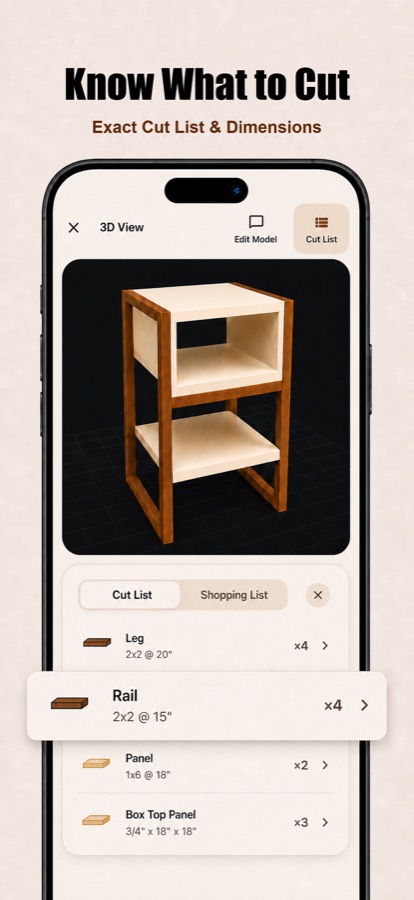
Count each leg, rail, shelf, and panel in the model. Compare that count with the cut list’s quantities. Check that the orientation of each part makes sense and that matching parts share the same dimensions unless the design calls for a difference.
Measure your material
Actual boards and sheet goods can differ from their nominal sizes (see our lumber sizes chart). Measure the stock you will use, then revisit any dimensions that depend on its thickness or width. Account for your saw kerf and the extra material needed for squaring or trimming boards when planning stock.
Consider grain, joinery, and assembly
Decide which faces and edges will be visible. Mark grain direction where it matters. Check whether your chosen joints change the lengths of rails, panels, or supports, and whether the parts can actually be assembled in the order you expect.
Do one final pass at the bench
Before cutting, verify units and mark each part on the stock or on a printed list. Cut and dry fit a small group of dependent parts first when that reduces risk. If a measurement is uncertain, resolve it in the model or with a shop drawing before cutting the rest.
TimberLab helps create and explore a parts list. It cannot verify your actual stock, tools, joinery, load requirements, or site conditions.