
Turn any idea into
build‑ready woodworking plans.
Get a 3D model, an exact cut list, and step-by-step assembly instructions.


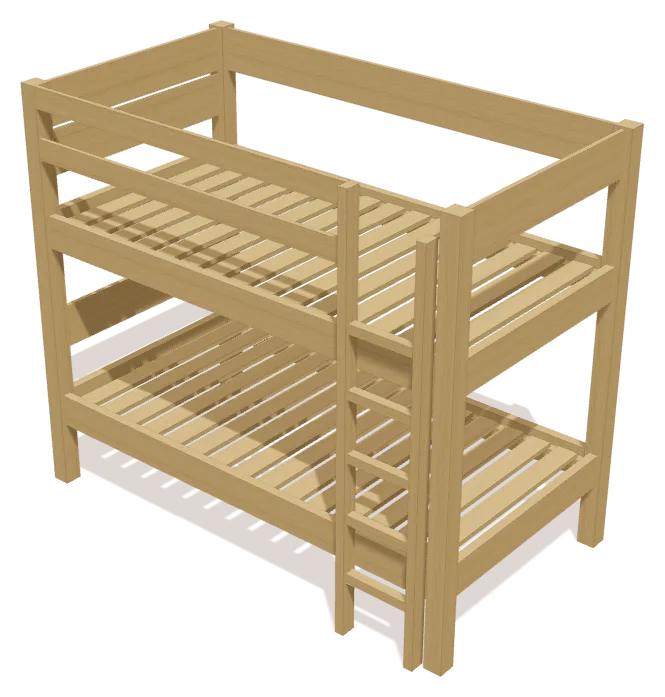
60 parts · 81″ W · 70″ H · 45 ¾″ D
Start with anything
A photo, an idea,
or a ready plan.
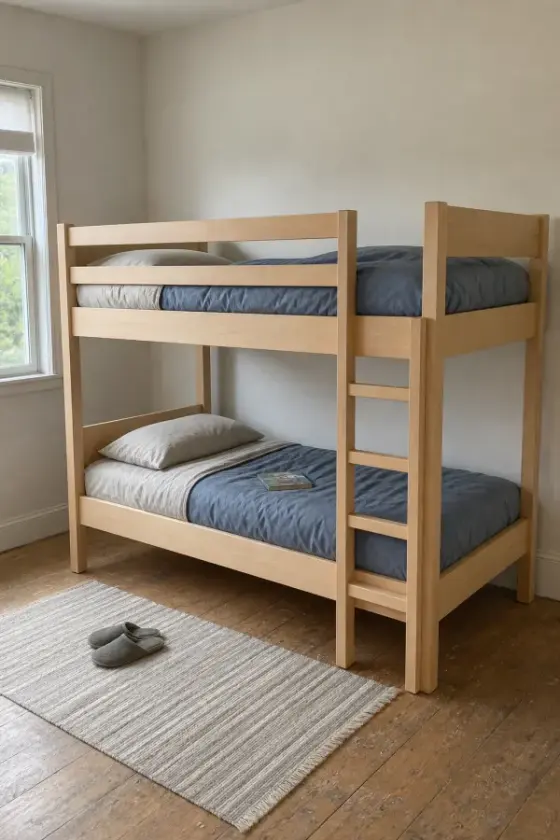
TimberLab turns it into a 3D model, a cut list, and assembly steps automatically, in seconds.
-
Upload a photo
Any piece you’ve seen: a store, a magazine, your feed.
-
Describe an idea
Write what you want, in your own words.
-
Pick from the catalog
Hundreds of build-ready plans to start from.
Make it yours
Tell it what to change.
Watch it rebuild.
Every design is a starting point. Ask for the change you need, and TimberLab updates the model, the cut list, and the shopping list together.
Send the change to see it rebuild.
81″ W · 70″ H · 45 ¾″ D
Cut list, shopping list & tools
Know exactly what
to buy and cut.
Every part is listed in the boards you can buy at the lumberyard, grouped so you cut matching pieces together.
- Real stock sizes1x4, 2x6, 3x3 posts, ¾″ plywood
- Measured to ⅛″in inches or centimeters
- Shopping list includedhow many boards to buy, and how long
Bunk bed · 60 partsEdited
Cut list
| Board | Part | Length | Qty |
|---|---|---|---|
| Slat1x4 | 38″ | ×30 | |
| Front Ladder Rung2x2 | 11″ | ×5 | |
| Post3x3 post | 70″ | ×4 | |
| Side Rail2x6 | 75″ | ×4 | |
| End Rail2x6 | 38″ | ×4 | |
| Headboard1x8 | 38″ | ×4 | |
| Mattress Support Cleat2x2 | 75″ | ×4 |
+ 5 more parts
| Board | Buy | Qty |
|---|---|---|
| 1x4 × 8 ft32 parts cut from these | ×17 | |
| 2x6 × 8 ft8 parts cut from these | ×6 | |
| 2x2 × 8 ft9 parts cut from these | ×5 | |
| 1x8 × 8 ft5 parts cut from these | ×3 | |
| 2x3 × 8 ft2 parts cut from these | ×2 | |
| 3x3 postCustom stock, cut to 70″ | ×4 |
33 boards · includes room for saw cuts
 Tape measure
 Pencil
 Speed square
 Eye & ear protection
 Drill
Drill Miter saw
 Clamps
 Sander
Listed with every plan, before you start
Assembly instructions
See every step
before you build it.
Each plan comes with a 3D assembly guide that shows which parts go on at each step.
Bunk bed · 60 parts
Timbo AI
Stuck on a step?
Ask Timbo.
Timbo is the AI build helper inside every plan. It knows your cut list and the step you’re on, and answers with professional woodworking practice.
- Knows your plan. Ask about the exact step, part, or cut in front of you.
- Send a photo. Show Timbo your work when something doesn’t look right.
- No guessing. If a measurement isn’t in your plan, Timbo tells you to check it.
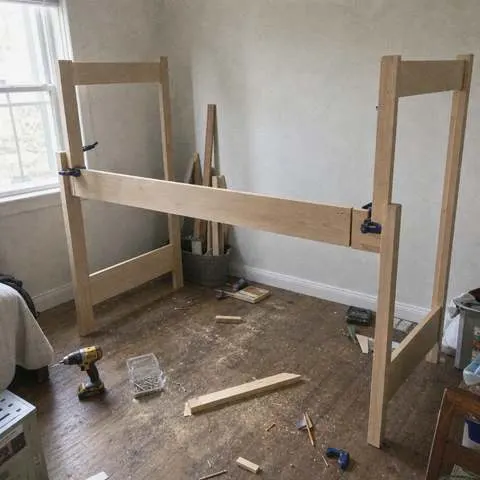
Check that the post is square to the floor first, then clamp the rail flush at both ends before you drive a screw. If it still gaps, the end cut may be off square.
Need inspiration?
Hundreds of plans,
ready to build.
Choose from hundreds of build-ready woodworking plans, then change anything to fit your space and style.

Four-poster canopy bed 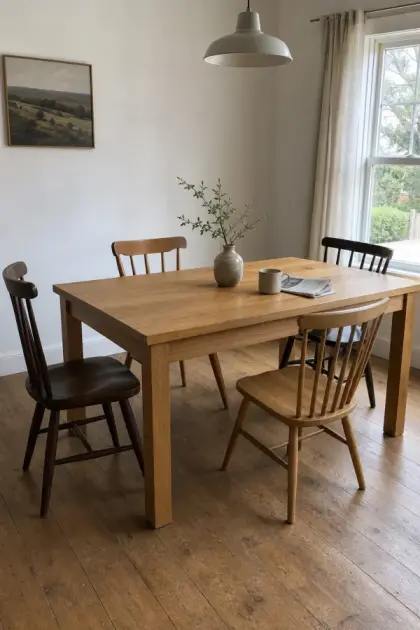
Farmhouse dining table 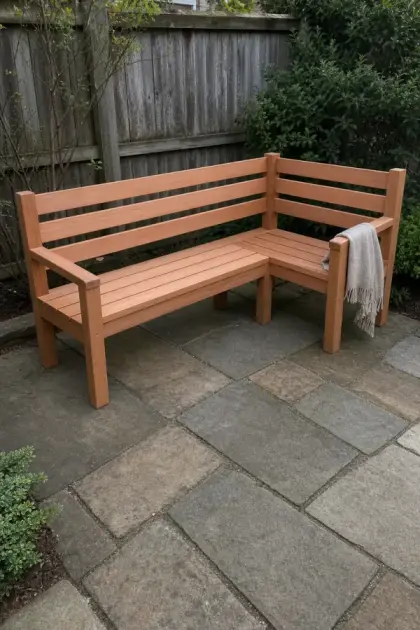
Outdoor corner bench 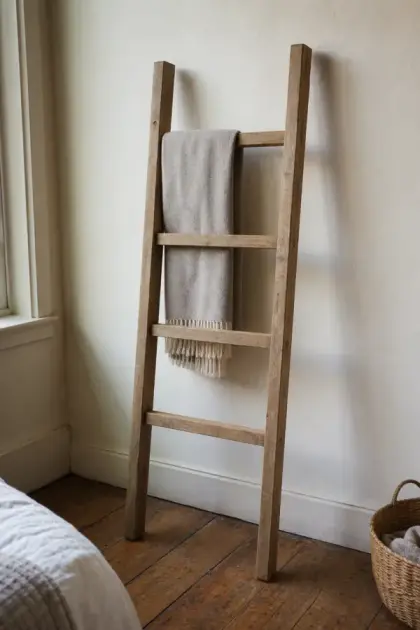
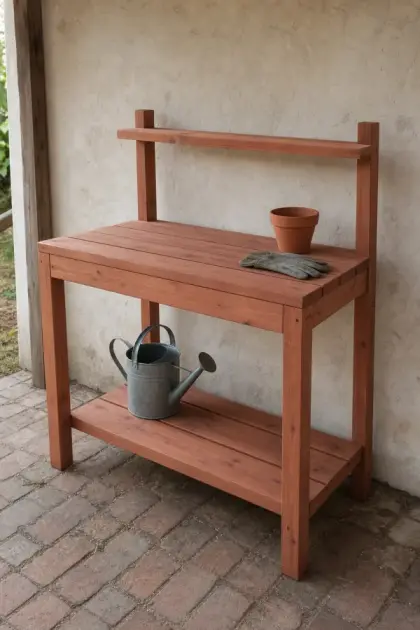
Potting bench 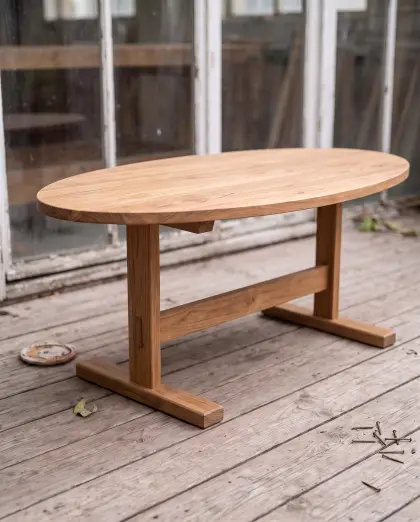
Oval coffee table 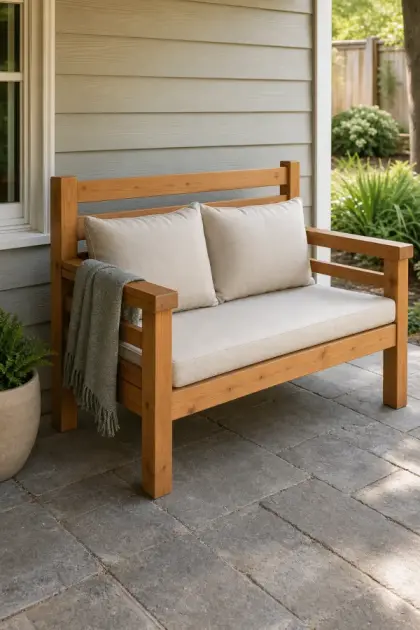
Box-frame outdoor sofa 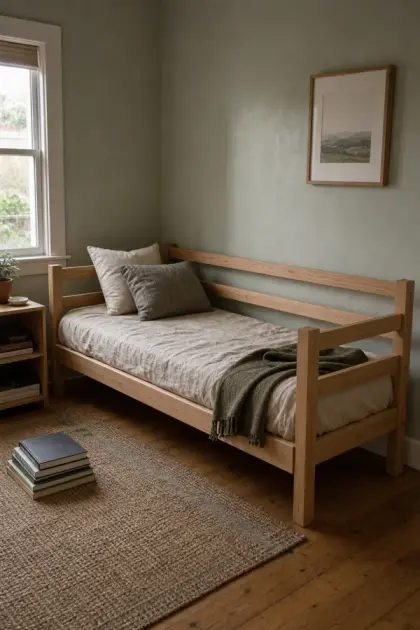
Simple daybed frame 
Slatted-headboard platform bed 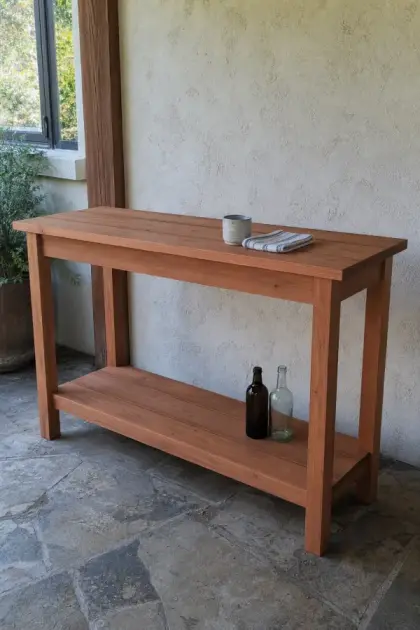
Patio bar 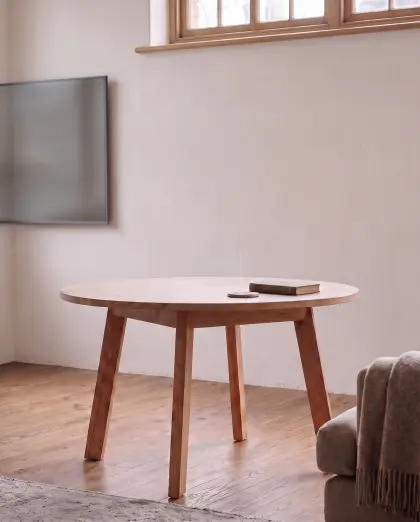
Round splayed-leg dining table 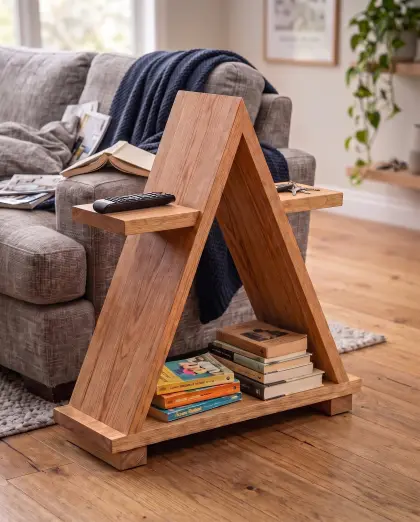
A-frame sofa side table
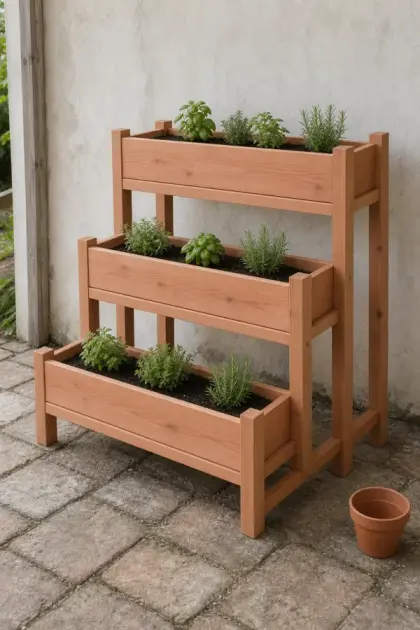
Tiered planter stand 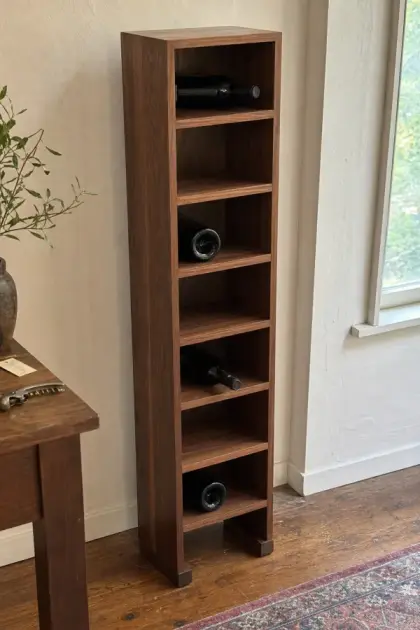
Cubby wine rack 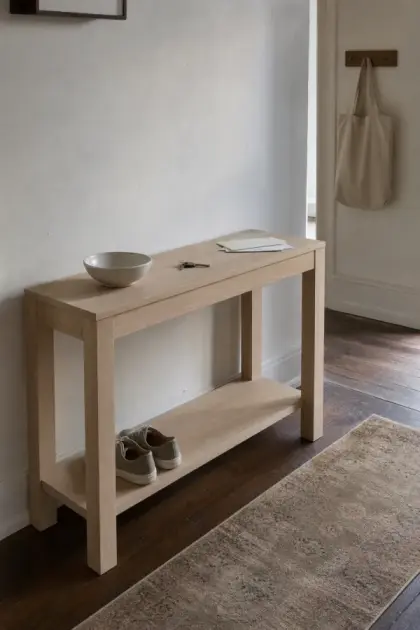
Narrow console table Rustic blanket ladder 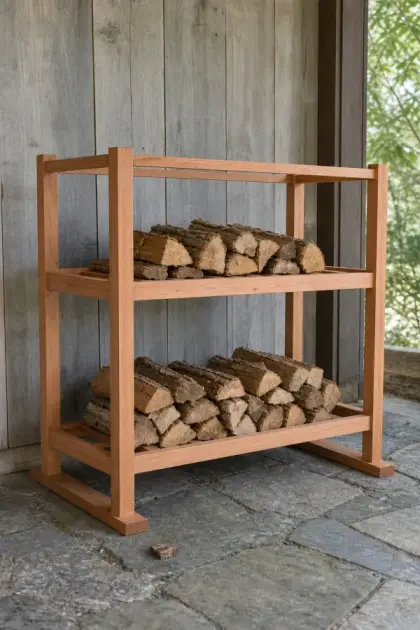
Firewood rack 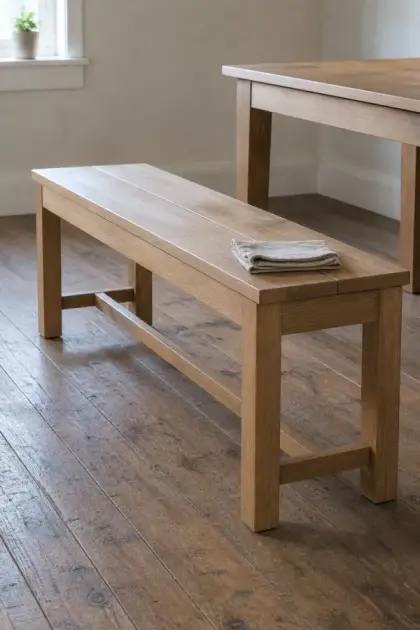
Straight dining bench 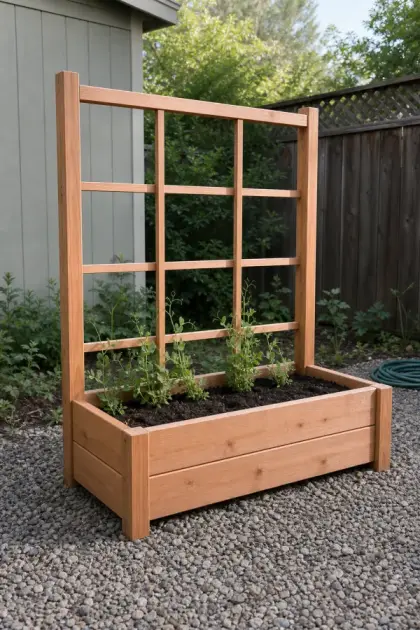
Raised bed with trellis 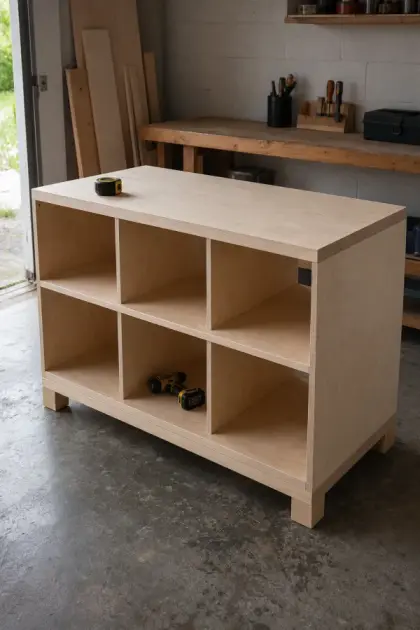
Open-cubby workbench 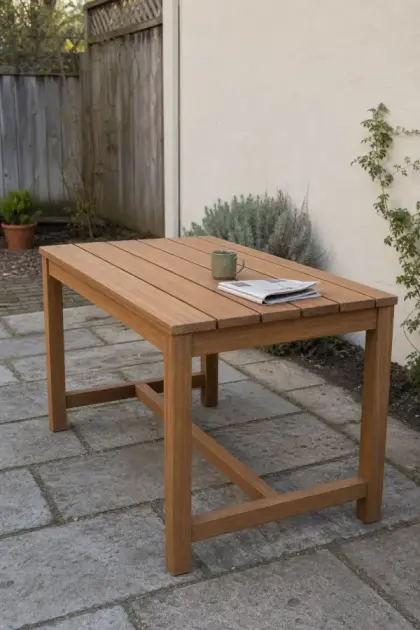
Outdoor table 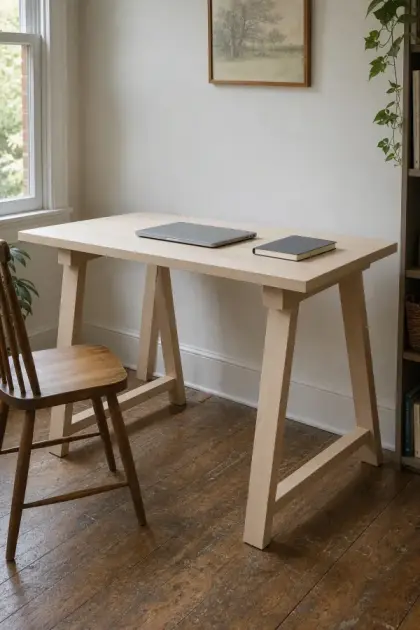
Sawhorse desk 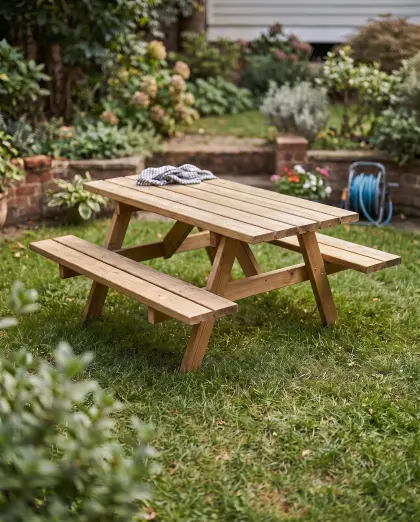
Compact picnic table
Free on iPhone and iPad. Every plan includes a 3D model, cut list, shopping list, and assembly guide.
Browse free plans with cut lists →What is TimberLab?
TimberLab is a woodworking app for iPhone and iPad that turns a furniture photo or a written idea into a build-ready plan: an editable 3D model, a cut list, a lumber shopping list, and step-by-step 3D assembly instructions. You can also start from a catalog of hundreds of ready-to-build projects, from bunk beds and dining tables to garden benches and planters.
Can I start with my own furniture photo?
Yes. You can start from a photo, describe an idea, or choose a catalog project. The generated model is a starting point you can inspect and edit. See the photo-to-plan workflow.
Can I change the design?
Yes. Describe the change in plain words, such as “make it 6 inches wider” or “add a shelf”, and TimberLab rebuilds the 3D model. The cut list and shopping list update to match.
Does TimberLab make a cut list?
Yes. TimberLab lists every part with its size and quantity, plus a shopping list that groups the cuts onto standard board lengths with room for saw cuts. Review every measurement and the design’s structural details before you cut material. Read the cut list checklist.
Does it include assembly instructions?
Yes. Plans include a step-by-step 3D assembly guide that shows which parts go on at each step. If you get stuck, you can ask Timbo, the AI build helper, about the step you’re on, and add a photo of your build.
Does TimberLab support metric measurements?
Yes. You can work in inches or in centimeters.
Which devices does TimberLab run on?
TimberLab runs on iPhone and iPad with iOS 15 or later. Download it from the App Store. If you already have a TimberLab account, you can also sign in on a computer to open your projects there. New accounts are created in the iPhone app.
Is TimberLab free to download?
Yes. TimberLab is free to download on the App Store. Some features require an in-app subscription.
Is it a replacement for shop drawings or experience?
No. TimberLab helps you explore and plan a build. Check the dimensions, joinery, material choices, and safety of the final design yourself.